Apple Wallet loyalty cards: 3 steps to enrollment instead of 11
How to create a loyalty card customers actually join: cut the app path's eleven steps to three — scan, tap, stamped — inside the ten seconds a checkout queue gives you.
 LOYAI Research· Helsinki
Count the steps
Friction is where programs die
Mobile funnels shed users at every added step, and a checkout queue is the least patient environment in commerce. 'I'll download it at home' is a polite no. And even genuine installs barely help: with the average app losing 77% of daily users in three days, the app path loses twice — once at the store, again at the storage cleanup. The wallet card skips both cliffs: there is nothing to install and nothing to delete.
Design for the busy majority
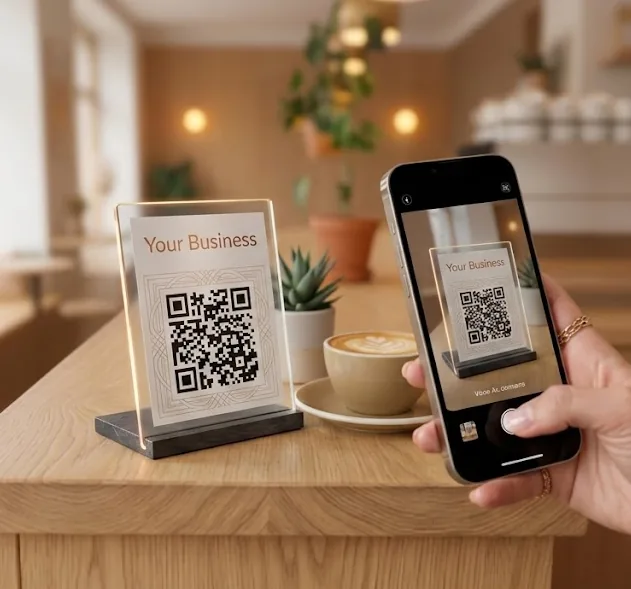
Your future regulars are not enthusiasts; they are people holding coffee, a phone and a toddler. The winning loyalty program is the one they accidentally stay in. With LOYAI the whole system is one printed QR: the camera recognises it, the right wallet opens, the card lands next to their bank cards — where it cannot be lost, forgotten or uninstalled by a spring clean.
FAQ
How do customers add my loyalty card to Apple Wallet?
They scan your QR code with the camera and tap Add to Wallet. The card appears alongside their payment cards — about ten seconds, no app, no account.
Does the same QR work for Android?
Yes. The enrollment link detects the device: iPhones get Apple Wallet, Androids get Google Wallet — one poster covers everyone.
Do customers need internet at the till?
Only for the ten-second enrollment; mobile data is fine. After that the card lives on the phone and displays offline.
Three steps. Ten seconds. Your card in their wallet.
LOYAI — digital loyalty stamp cards in Apple Wallet and Google Wallet. Free for your first 50 customers.
Start free