Erme, the LoyAI ermine LoyAI Studio
How to startPricingWhy digital cards
Start free
Why digital cards
Guide Aug 12, 2025 · 5 min read

Apple Wallet and Google Wallet: one loyalty card that covers both

Your customers split across two wallets — you shouldn't have to care. One QR, one design, both platforms. Here's what differs under the hood.
LoyAI Research LoyAI Research· Helsinki
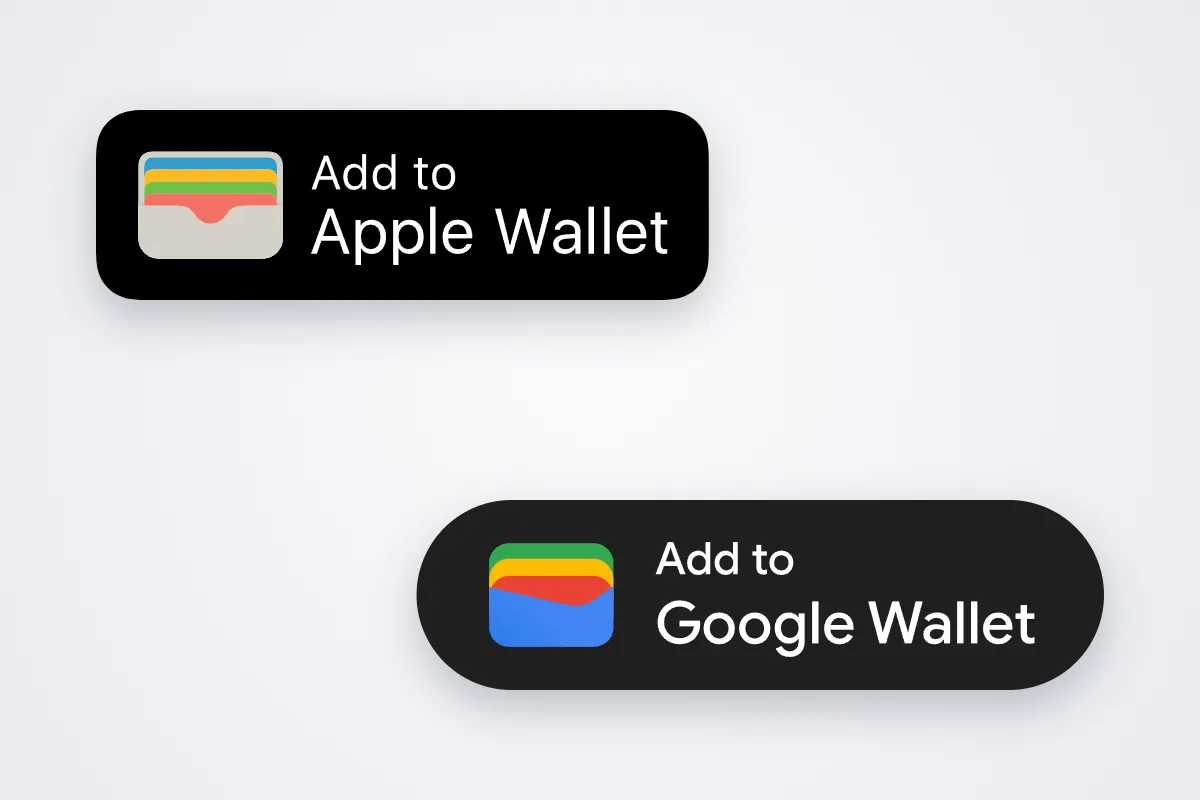
Add to Apple Wallet and Add to Google Wallet badges
TL;DR
One LoyAI card design renders natively in both Apple Wallet and Google Wallet.
Apple adds lock-screen nearby relevance; Google surfaces updates through its own notification layer.
Your queue splits across both platforms — supporting one means writing off the other half.
The enrollment QR detects the phone and opens the right wallet automatically.

One card, two renderers

Apple and Google each define their own pass format, layout rules and typography. Build for one and you strand the other half of your queue — and with wallet users past 5 billion, 'the other half' is not a rounding error. LoyAI renders both passes from a single design: same logo, same strip image, same stamp grid, correct on whatever phone crosses your counter.

The differences that matter

Proximity: Apple Wallet's nearby relevance surfaces your card on the lock screen when a member approaches the venue; Google handles location through notifications.
Push presentation: both deliver your broadcasts — Apple pins them to the pass on the lock screen, Google routes them through the wallet's update surface.
Design details: strip images crop slightly differently and color handling varies — a reason to let the platform render, not a designer guess.
2 wallets covered from one QR — iPhones open Apple Wallet, Androids open Google Wallet. Choosing one platform halves your program on day one.

The only wrong choice is choosing one

In practice you should never think about this again. One QR at the till reads the device and routes it; one dashboard pushes to both; one design serves both renderers. The platform rivalry is Apple's and Google's problem. Your loyalty program just needs to be present on both sides of it — which, with LoyAI Studio, it is by default, on every plan including free.

Key takeaways
1. Support both wallets or write off half your customers by default. 2. Let the QR detect the platform — zero questions at the till. 3. Apple's nearby relevance is a free marketing surface; design for it. 4. Design once; the renderer absorbs the platform quirks.

FAQ

Should my business use Apple Wallet or Google Wallet for loyalty?

Both — your customers are split across them. Platforms like LoyAI Studio render one card design into both wallets and route each customer automatically from one QR.

Will the card look identical on both platforms?

Nearly — each wallet applies its own layout, but logo, colours, strip image and stamp count carry over. LoyAI previews both while you design.

Does supporting both cost extra?

No. Every LoyAI card ships for both wallets on every plan, including the free tier.

Read sources Juniper Research — "Digital Wallet Users to Exceed 5.2 Billion Globally by 2026", press release, August 2022; updated market study "Digital Wallets Market 2025–2030", November 2025 (4.4 billion users in 2025).

One design. Both wallets. Every customer.

LoyAI Studio — digital loyalty stamp cards in Apple Wallet and Google Wallet. Free for your first 50 customers.

Start free
Keep reading Digital wallet statistics: 5.2 billion users The best loyalty program for a small business is not an app All research & guides →